Categories:



Uncategorized
How to Choose the Right Industrial Panel PC for Your Application

April 15, 2026
Share:
Why Choosing the Right Industrial Panel PC Matters
In industrial automation, selecting the right panel PC is not just a technical decision—it directly impacts system stability, production efficiency, and long-term maintenance costs. A poorly chosen industrial computer can lead to frequent downtime, compatibility issues, and even production delays.
That’s why understanding the key factors behind industrial panel PC selection is essential before making a purchase.
Define Your Application Environment First
The first step in choosing an industrial touch screen PC is understanding where it will be used. Different environments require different levels of protection and performance.
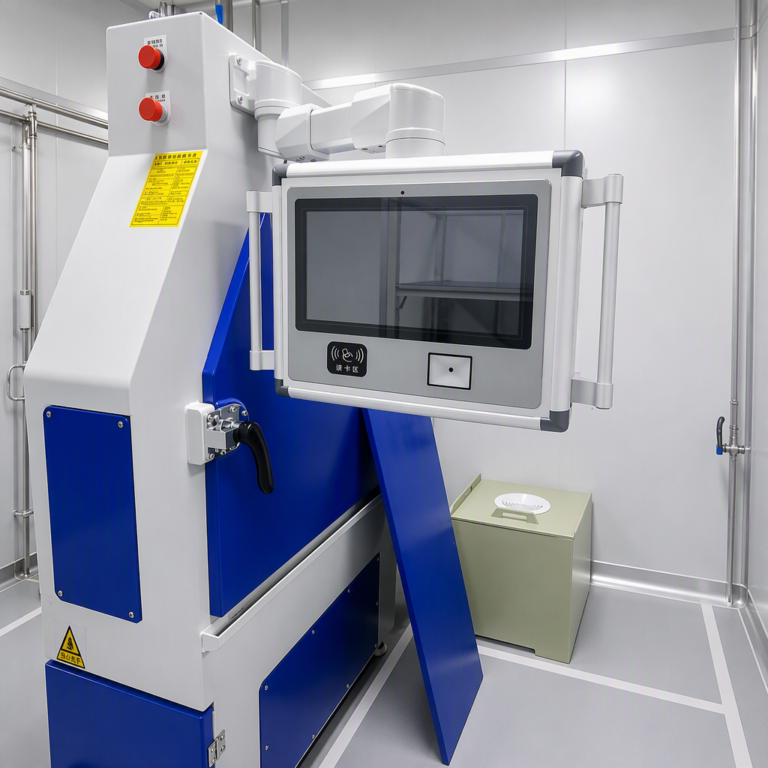
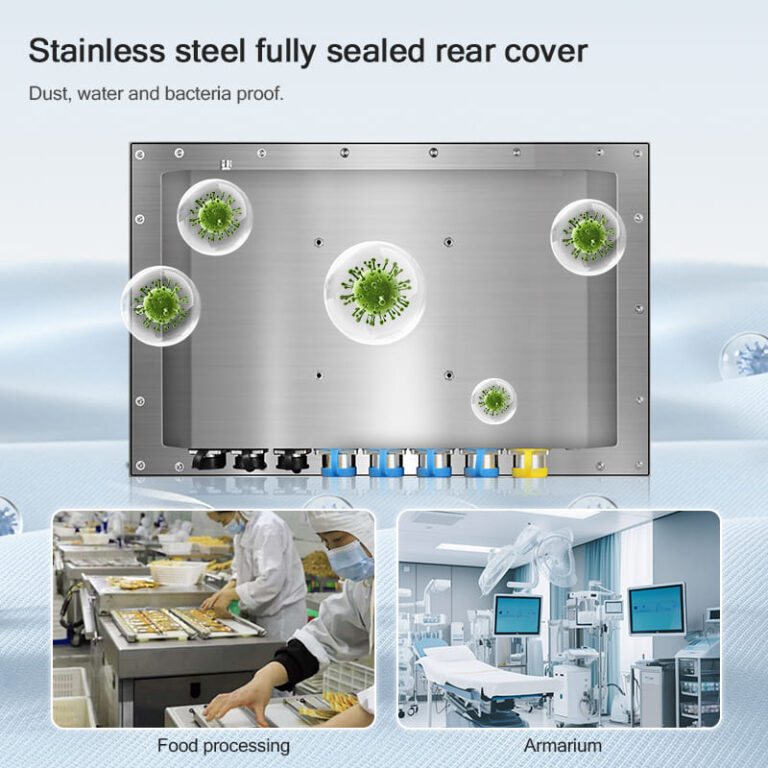
For example, factory automation environments may require dustproof and vibration-resistant designs, while outdoor systems need waterproof protection and sunlight-readable displays. In food or pharmaceutical industries, corrosion resistance becomes a top priority.
Clearly defining your application scenario helps narrow down the right type of industrial PC solution.
Choose the Right Display Size and Brightness
Display size plays an important role in usability. Smaller screens like 7–10 inches are often used for compact machines, while larger sizes such as 15.6 or 21.5 inches are more suitable for monitoring systems and control centers.
Brightness is another critical factor. A standard 300-nit display may work indoors, but for bright factory environments or outdoor use, a high brightness industrial monitor with 1000 nits or more is often required. In direct sunlight conditions, 2000-nit displays are commonly used to ensure clear visibility.
Consider Touch Technology and User Interaction
Modern industrial panel PCs typically use capacitive touch technology instead of traditional resistive screens. A capacitive industrial touch screen PC offers better responsiveness, multi-touch support, and improved durability.
In environments where operators wear gloves or work in wet conditions, it is important to ensure the device supports glove-friendly or waterproof touch modes. This improves usability and reduces operational errors.
Evaluate Protection Level and Build Quality
Industrial environments can be harsh, so protection level is a key consideration. An IP65 or IP67 industrial panel PC provides protection against dust and water, ensuring stable operation in demanding conditions.
In addition, materials such as aluminum alloy or stainless steel improve durability and resistance to corrosion. Fanless design is also commonly used to reduce maintenance needs and prevent dust accumulation inside the system.
Check Connectivity and Expansion Options
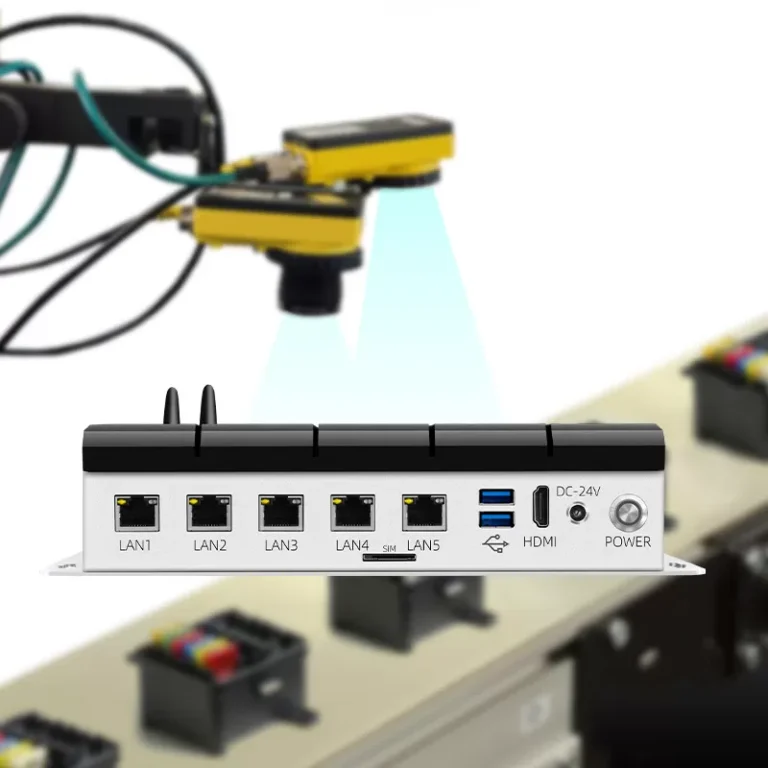
A good industrial panel PC should support multiple I/O interfaces to ensure compatibility with existing systems. Common interfaces include USB, LAN, HDMI, VGA, and COM ports.
Expansion options such as SSD slots, RAM upgrades, and wireless modules also play an important role in long-term scalability. A flexible system allows businesses to adapt to future upgrades without replacing the entire device.
Conclusion
Choosing the right industrial panel PC requires careful consideration of environment, display, touch technology, protection level, and connectivity. There is no one-size-fits-all solution—each application has its own requirements.
By selecting a properly configured industrial computer, businesses can improve operational efficiency, reduce downtime, and ensure long-term system reliability in even the most demanding industrial environments.